


Download Facebook Story Video By Link
Web-based Facebook Story Downloader | Download Facebook Story Video Quickly and Easily

Web-based Facebook Story Downloader | Download Facebook Story Video Quickly and Easily
Save Facebook Stories by Link in seconds. No account, no app, no watermark—just paste and download
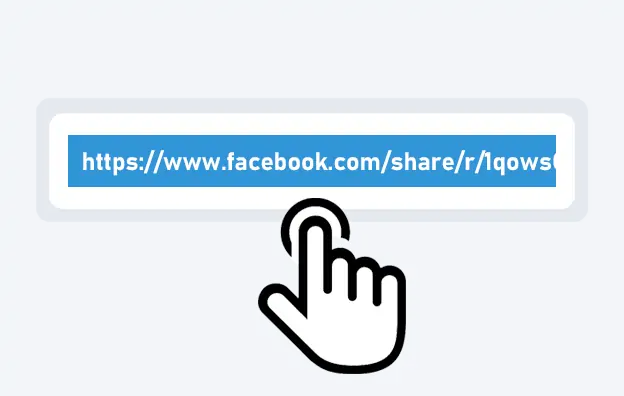
Open Facebook and go to the Story you want to save. Tap the three-dot menu (⋯) and select “Copy Link”.
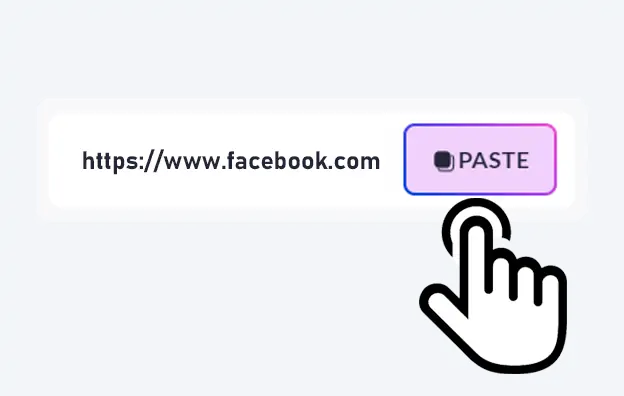
Visit our Facebook story Downloader page, and paste the copied link into the downloader box.

Click the Download button. Choose your quality and save the Story video — with music, no watermark, full HD quality.

SaveFBS is a web-based Facebook story video downloader that works on all browsers.

Save Facebook story video in 1080p HD quality with original clear image and audio quality.

Easy to download FB Story video on mobile or desktop.

A quick way to download a Facebook story video with 3 steps. Instant downloading.
This FAQ covers frequently asked questions and concerns regarding the Facebook Story downloader. If you can’t find the answer you need, feel free to reach out to us via email on our contact page.
A Facebook Story Downloader is a free online tool that lets you save Facebook Story videos and photos to your device by link — before the 24-hour expiration. SaveFBS is one of the best Facebook Story savers online: no registration, no watermark, no software needed.
Copy the Story link from Facebook (tap the three-dot menu on the Story → “Copy Link”), paste it into SaveFBS’s input box, and click Download. Your Story video or photo will be ready in seconds — clean, no watermark.
Yes. All downloads from SaveFBS are completely watermark-free. You get the original Story content without any logos, overlays, or branding added.
Yes, SaveFBS is free. You don’t need to pay any money to download videos or stories. SaveFBS gives a valuable service for free, so everyone can use it.
NO, you don’t need to create an account or download APP. Just copy facebook story video link and paste your Facebook story video link, and download. This way saves time and keeps your privacy safe. Enjoy downloading without making an account.
NO, you don’t need to create an account or download an app. Just copy the Facebook story video link and paste it into the tool to download the story. This saves time and keeps your privacy safe.
When you download Facebook stories with SaveFBS, you can get different file types: Full HD 1080p videos, SD videos, and Mp3 audio files. These types work on most gadgets and players. You can enjoy your downloads without worrying about problems. SaveFBS makes it easy to choose the best type for you, giving a smooth experience.
No! You can download as many media as you wish, as long as you don’t spam our servers.
Yes. SaveFBS supports Facebook story download with music. Besides, you can also just download the Facebook Story audio file.
It depends on whether the original video file has a watermark. If the original file doesn’t have it, then you download the Facebook story video without a watermark. But if it does have a watermark, you’ll need other tools to remove it.
With SaveFBS, the download working will be finished in seconds. This depend on your internet speed.
NO, our tool is entirely web-based, so no installation is required.
Yes, your data is totally safe as we do not store your personal information or track your download history.
NO, you can’t. Our website is only accessible when you are connected to the Internet. You need internet access to use the downloader, but you can view the stories offline after downloading.
yes, you can download any Facebook story from public pages. Group stories can be downloaded only if the group is public or if you are a member.
Our tool supports downloading one story at a time; bulk downloading is not available at this time.
Yes, our facebook story downloader can be used in all of the devices, including desktops, tablets, and smartphones.