


SaveFBS Instagram Reels Video Downloader: Simple, Fast, Free, and Secure
Easy to Use Instagram Reels Downloader | Save IG Reels Video Instantly

Easy to Use Instagram Reels Downloader | Save IG Reels Video Instantly
SaveFBS Instagram reels video downloader is an online tool. It allows downloading Instagram Reels videos in just a few clicks. No apps are needed, and registration is not required. Just 3 steps to download Instagram reels video easily: Copy the video link, paste it, and click the “download” button to select the file formats you want. Support HD, SD, and MP3 files for downloading. It works on any browser on PC, Mobile, and Tablets. With SaveFBS, you can download any Instagram Reels videos you’re favorite for offline viewing.

SaveFBS is a web-based Instagram Reels video downloader. No apps and No registration needed. Just 3 clicks to download Insta Reels.

Just 3 clicks for downloading IG Reels video. Support 3 Downloading Options: HD, SD, and MP3
SaveFBS is an online Instagram Reels video downloader. You don’t need install any app or sign up. Just like a visitor. We promise we will never collect your personal information. You’re safe forever here.
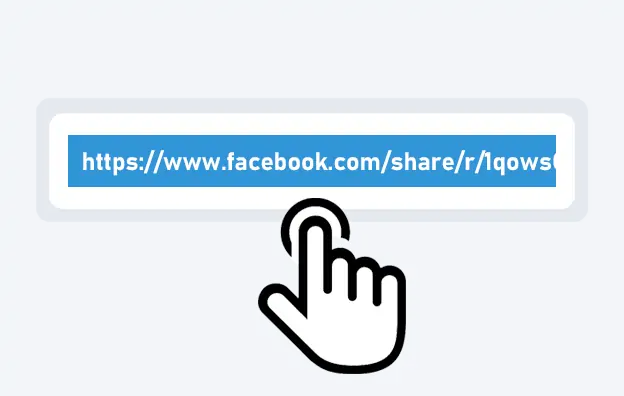
Open Instagram and find the Reels video you want to download. Click on the share button, and choose “Copy Link”
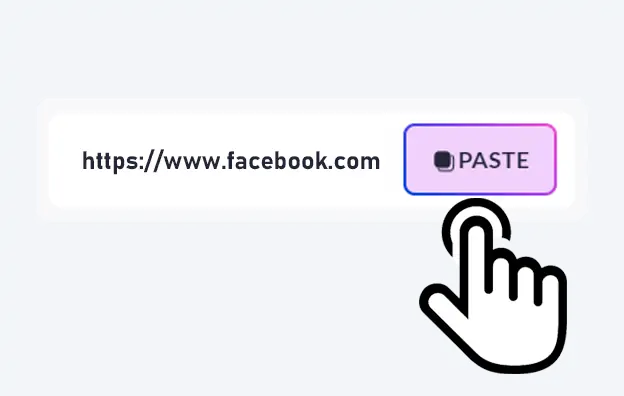
Go to the SaveFBS Instagram Reels downloader page in your browser, and Paste the copied URL into the input field.
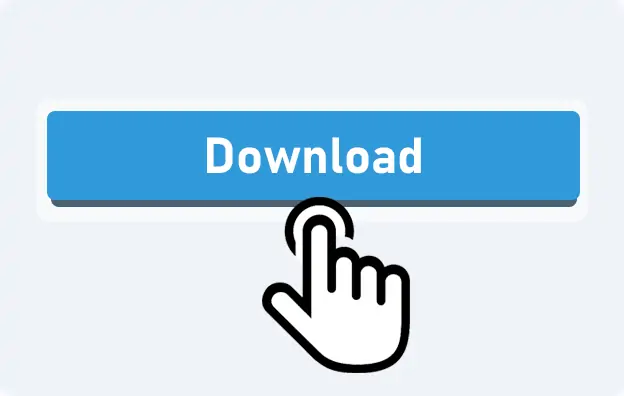
Click the “Download” button, and you’ll see multiple download choices: HD, SD, MP3, and MP4. Click your desired quality or file type, and SaveFBS will download Instagram reels video to your device .
SaveFBS is the best reels downloader online. It allows you to download Insta Reels quickly, easily, and securely, free of charge. Just 3 steps: Click, paste, and download, you can save Instagram reels easily! No apps are needed, and registration is also not required. You can download your favorite video in 5 seconds. Support high-quality Reels video downloading, 3 file formats to select: HD, SD, and MP3. SaveFBS is a web-based Instagram Reels saver. It works on any browsers on PC, Mobile and Tablets.
Features
Loved all of the features of SaveFBS Instagram shorts downloader
Pretty good ! This tool makes reels video downloading is so easy!
J’ai cherché une application pour télécharger des Reels, et SaveFBS a tout simplifié. Rapide, fiable, et la qualité est top.
Great reels to mp4 converter! Got my life back.
Thanks for helping me for igram reels downloading!
Really helpful website to instareel downloader!!
This FAQ covers frequently asked questions and concerns regarding the Instagram Reels Video downloader. If you can’t find the answer you need, feel free to reach out to us via email on our contact page.
Instagram video downloader is a web-based tool to help you download Instagram reels video with link.
Absolutely Free! No hidden costs.
SaveFBS supports downloading Reels videos on any browsers. If you want to save reels to iPhone, please follow these steps:
No, you can use online Instagram reels downloader. SaveFBS is the best tool to download IG Reels online. You don’t need to install any App or registration. Save your time and easy for you to use.
No. You can download Instagram without watermark. Unless the creator add special watermarks on the original video file. You need a specific tool to remove the watermark. But please respect the rights of creators.
On computers(Windows/MAC), the video will be saved in your default”Download” Folder.
On Android and Iphone, the video you can open it in your photo gallery.
NO. The download process is completely anonymous. The video creator will not receive any notification or be able to see who downloded their video.
NO! You should never use the tool that asks you to log in to your personal Instagram profile. SaveFBS is an online Insta Reels HD downloader. Don’t need any app or registration.
In general, if you download Insta Reels for personal use, it is legal. However, if you want to repost, share, or use others’ videos for commercial purposes, you need to get the permission of the creator. Please always respect the creator’s rights.
Only public Reels can be downloaded (respecting privacy guidelines).
No! Everything happens in your web browser—no special software needed.
Yes, SaveFBS allow you to download audio from Instagram.
There are 3 download options: HD, SD, and MP3. When you download reels in SD and HD, all videos come with audio. You can also choose download reels audio by click download the MP3 file.
Yes! SaveFBS allows you to download videos from Facebook, Instagram, TikTok, and many other social media plantform.
Typically, they land in your device’s default Downloads You can then move them or rename as you see fit.
If it’s for personal use, that’s usually okay. For public sharing or commercial usage, check the rights or ask for permission.
Faster connections definitely help. That said, our servers are tuned to be efficient even on slower networks.
Yes, once downloaded, you can edit the videos using various video editing software or apps before sharing them elsewhere
If you face issues, ensure that you’re using a trusted downloader and check if the Reel’s privacy settings allow downloads. Additionally, verify your internet connection and try again